In the previous blog, we successfully imported a vSphere enviroment into VCF9 via VCF Operations. In this blog we are going to upgrade the imported workload domain to the recent VCF version 9.0.1
First is to plan the upgrade
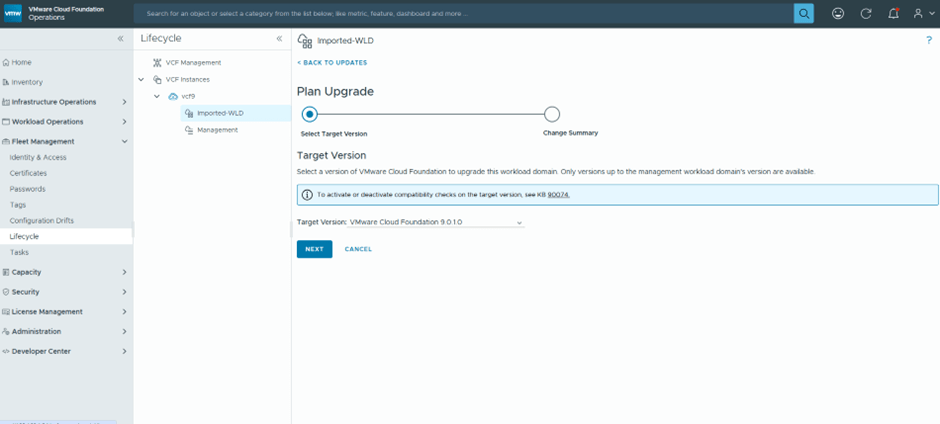
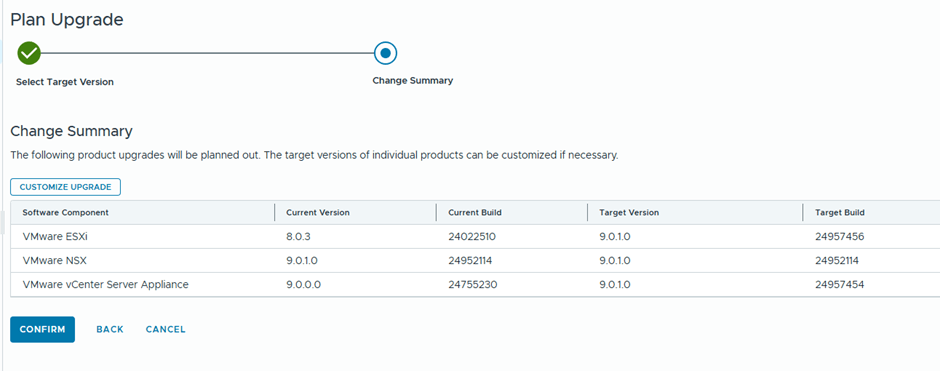
We are going basically to upgrade vCenter and ESX only , since NSX was already deployed during Workload import with the recent version
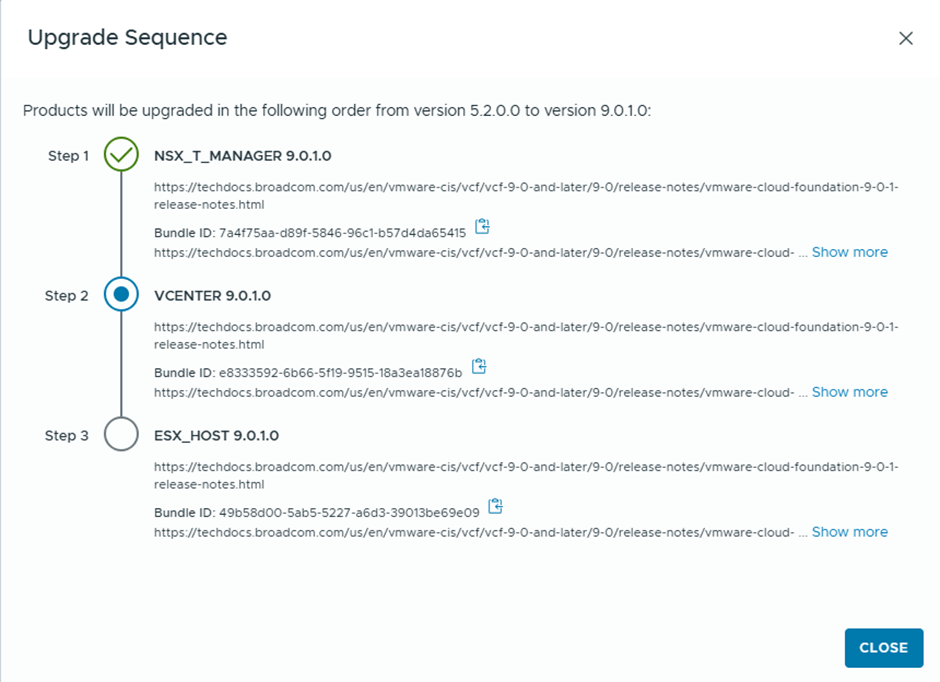
We’ll schedule the download of the bundles to start immediately “Download Now”
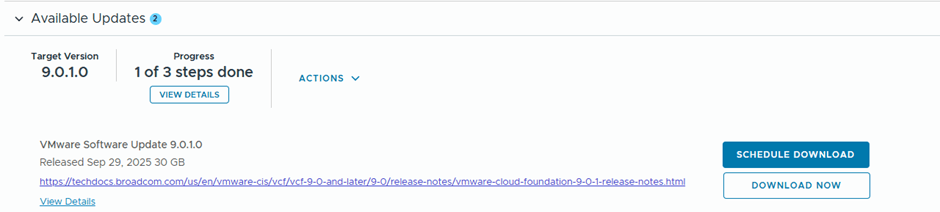
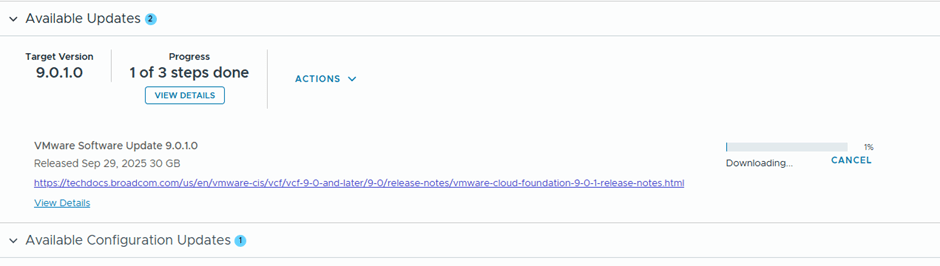
After the bundle is downloaded, the validation starts

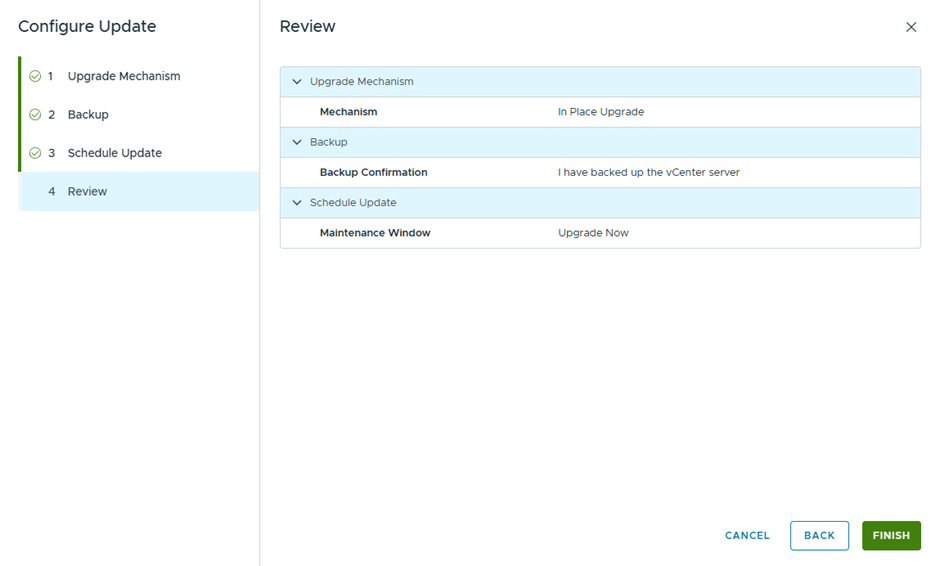
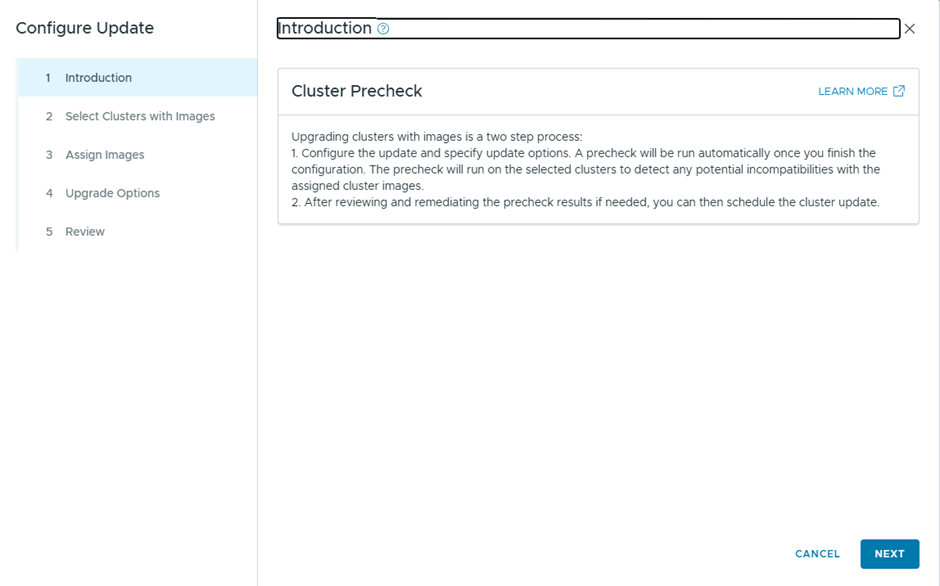
Then we configure the update

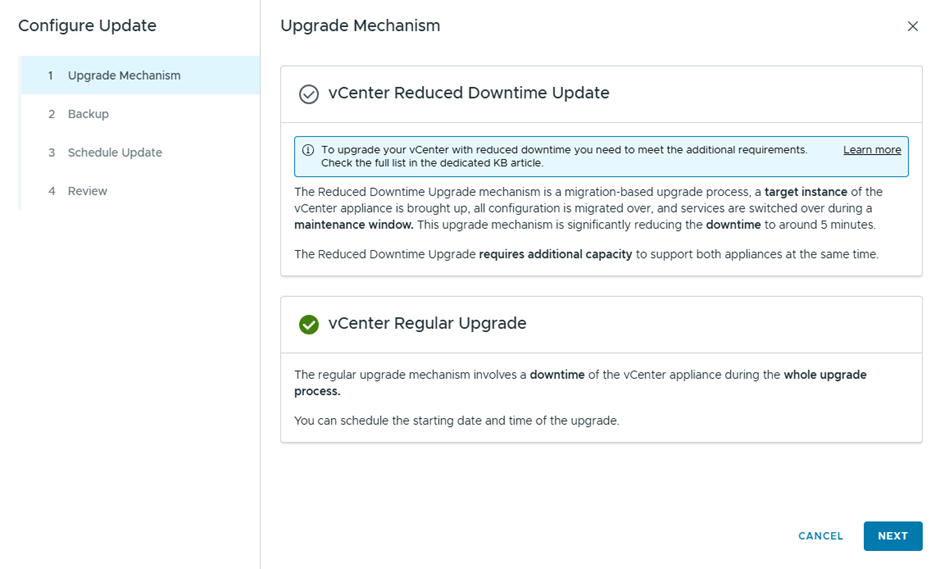
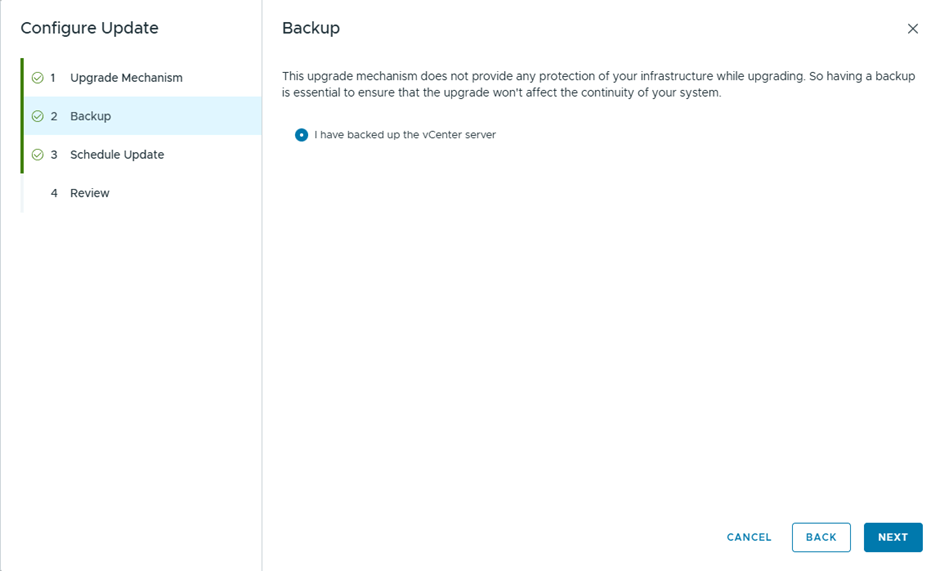
Since this is a lab, I didn’t take a backup , but in production you better take 🙂
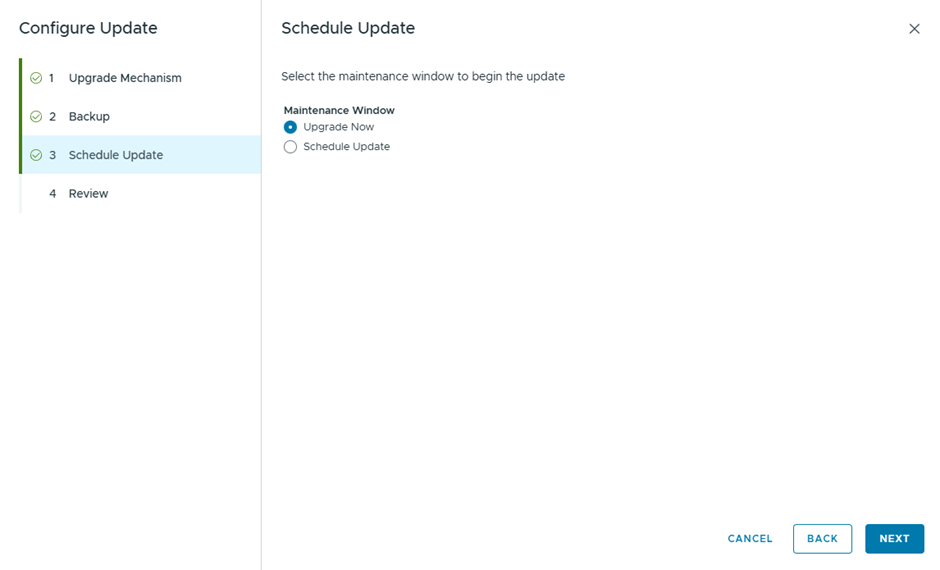
Select Upgrade now, to start the vCenter Upgrade instantly
vCenter is now upgraded successfully
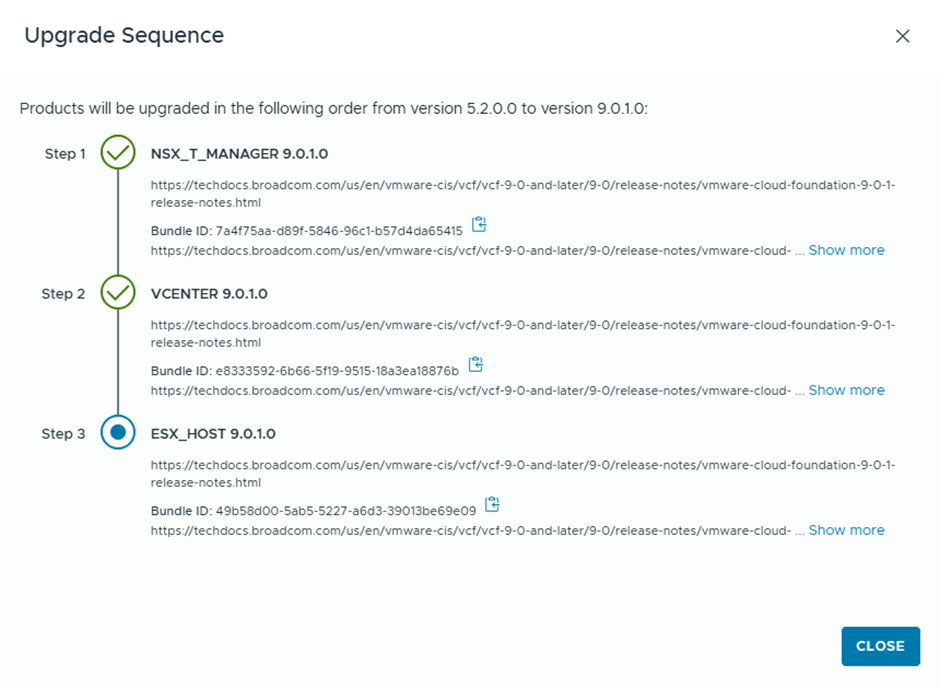
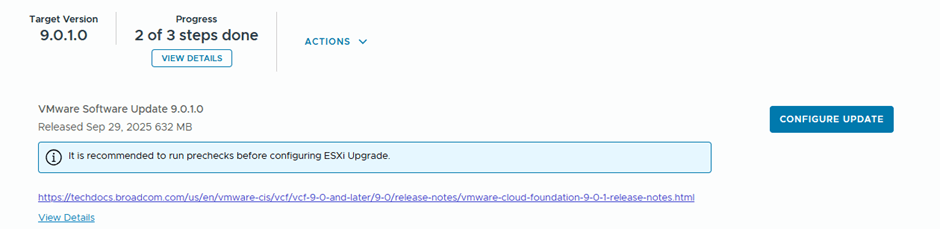
Final step , is to upgrade ESX, will download ESX 9.0.1.0 upgrade binaries and initiate the upgrade

After the upgrade bundle is downloaded, now I’ll be running the prechecks
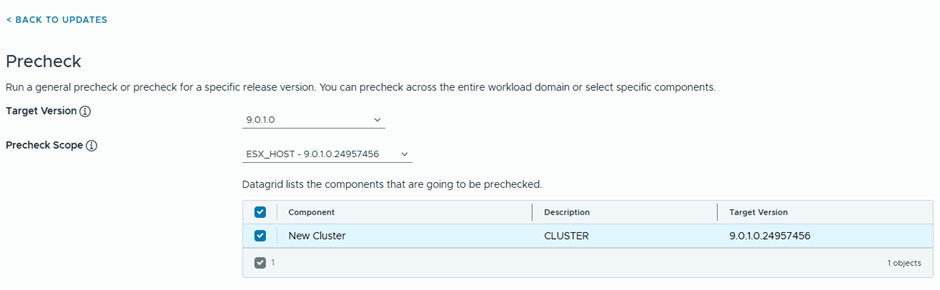
6 errors are showing
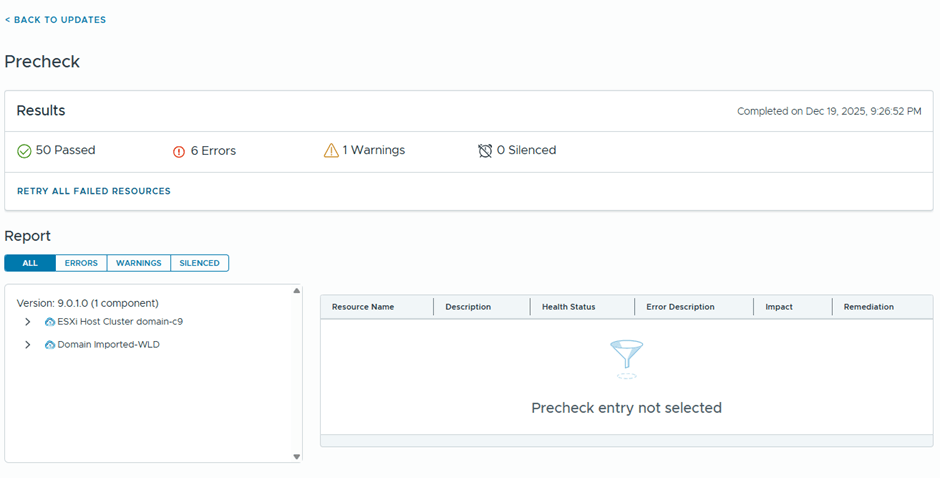
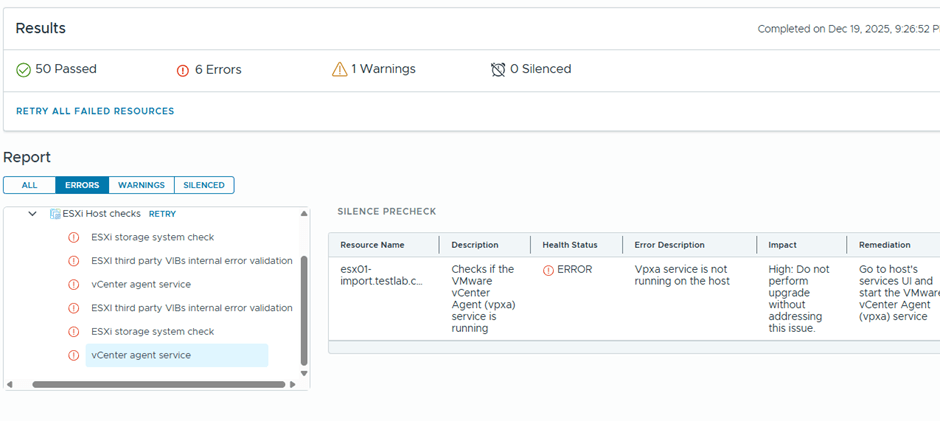
Well, I believe most if this errors might be related to having a nested environment, I’ll just proceed with the ESX upgrade and see what happens 😊
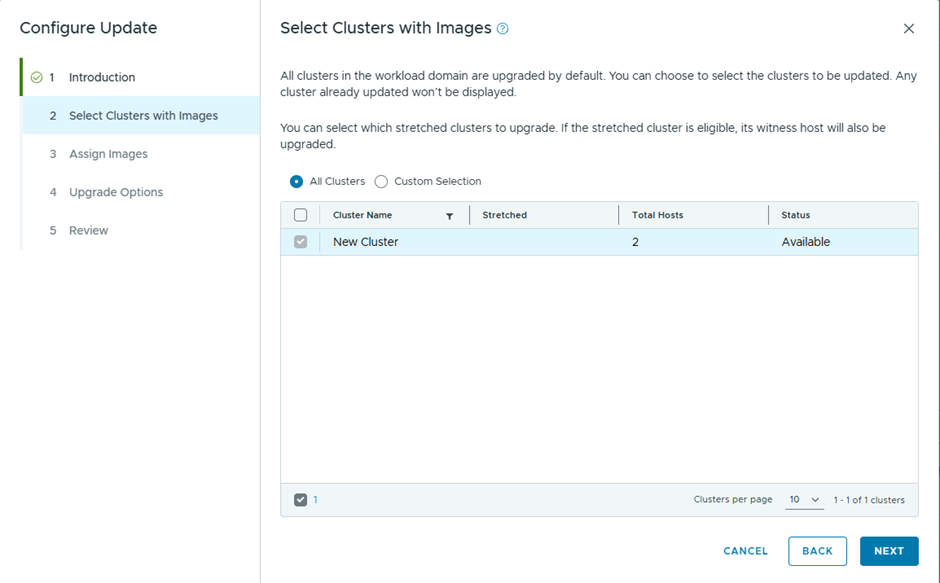
Only one cluster to upgrade
I’ll assign the image used by the management domain cluster
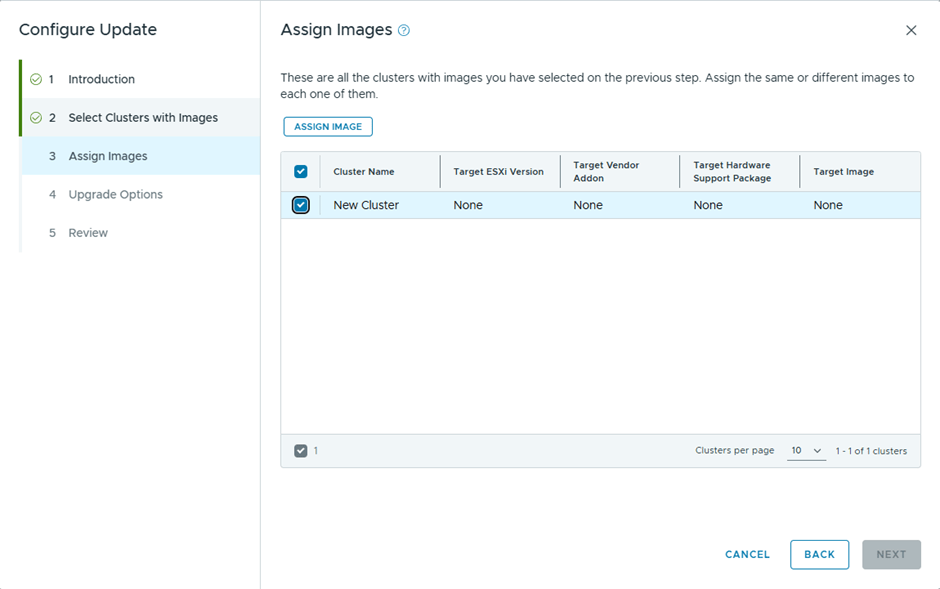
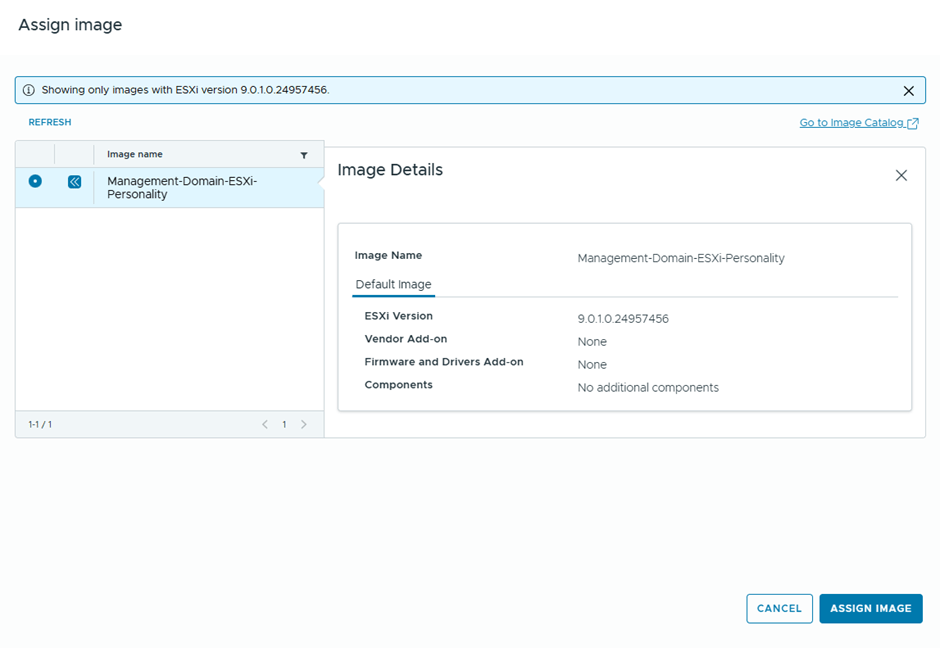
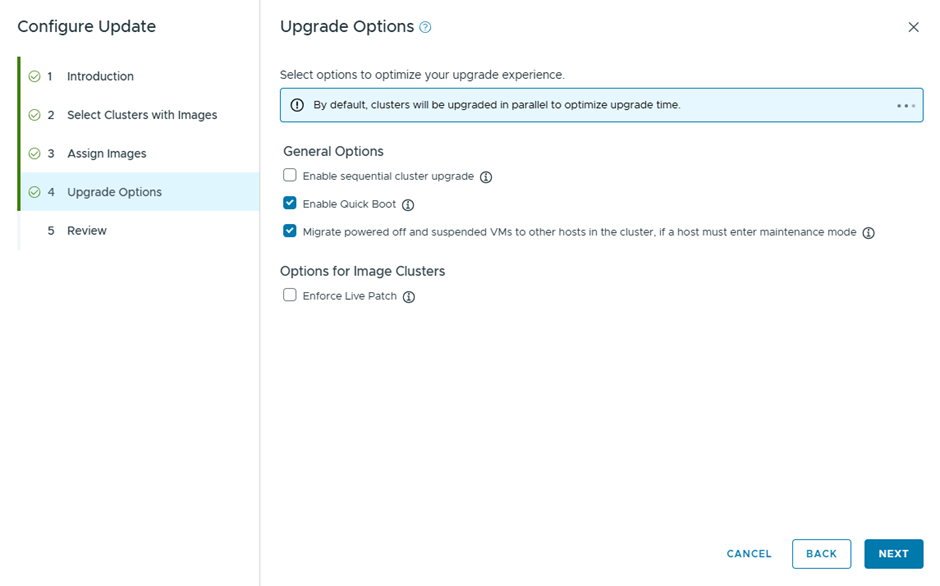
Will go with the quick boot option, instead of live patch
Got these results after running the prechecks
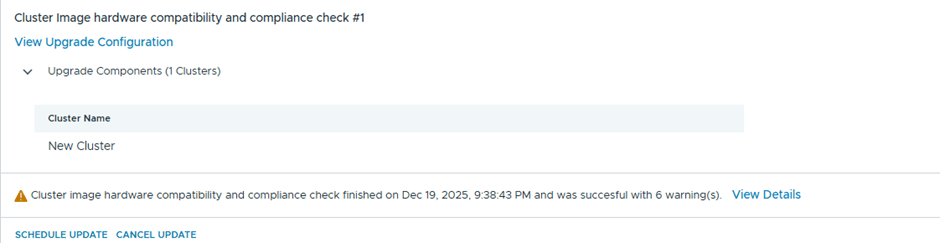
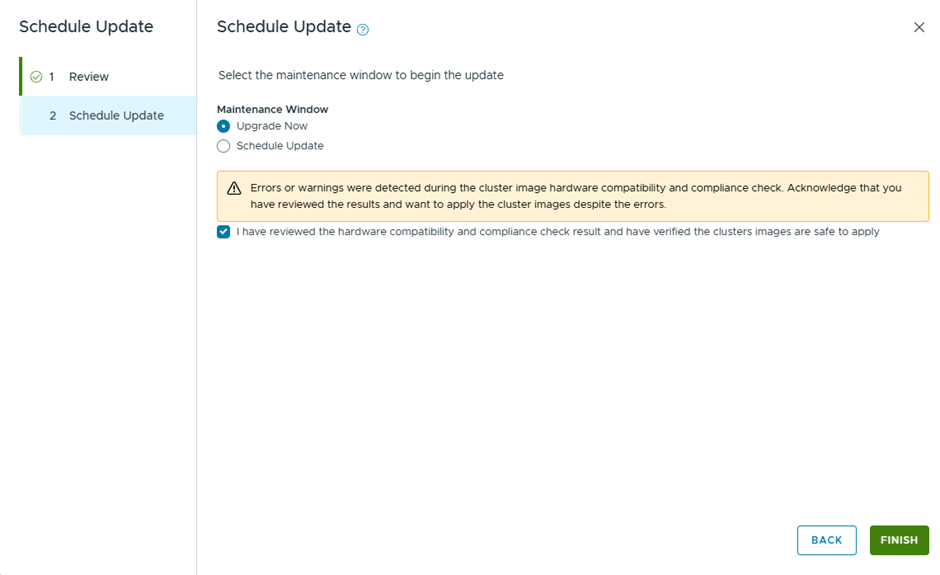
Will schedule the update for ESX
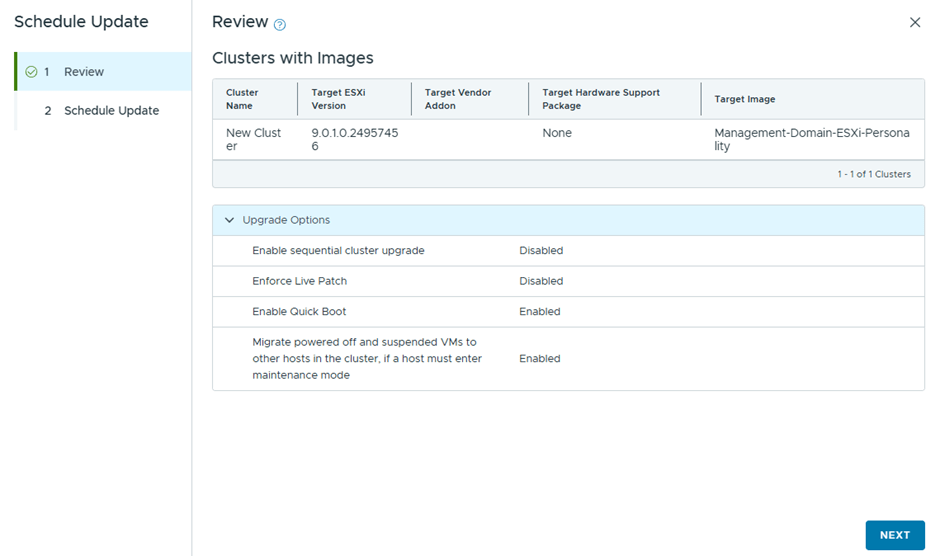
Upgrading the cluster now
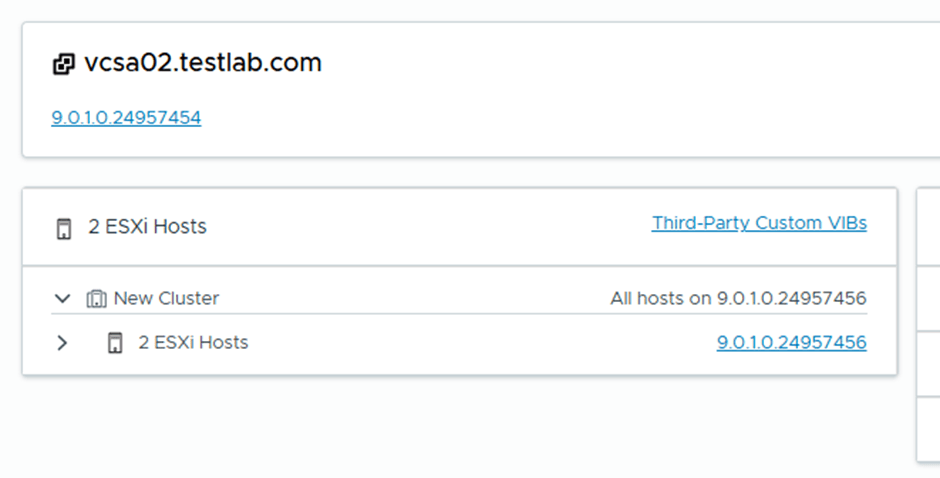
Finally, the hosts are upgraded successfully
 The SDN Blog