In the previous blog, we upgrade the vCenter to be imported, to 9 , so we can deploy NSX 9 and use it in a simple mode ( single node)
No running the import wizard again, we got this error

Which after increasing the MTU on the vDS got sorted
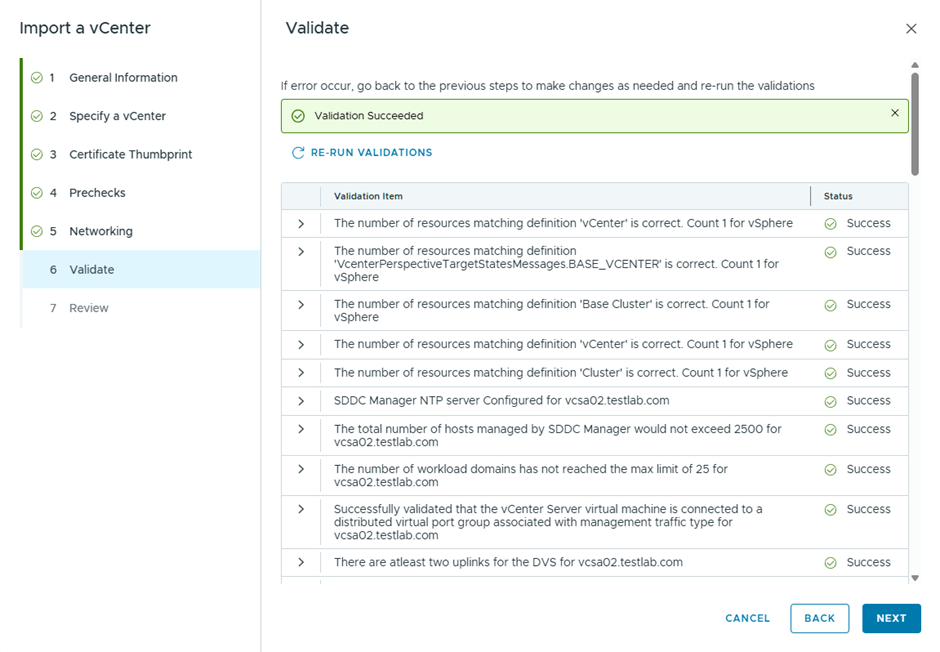
Now after the wizard page finished, got a different error

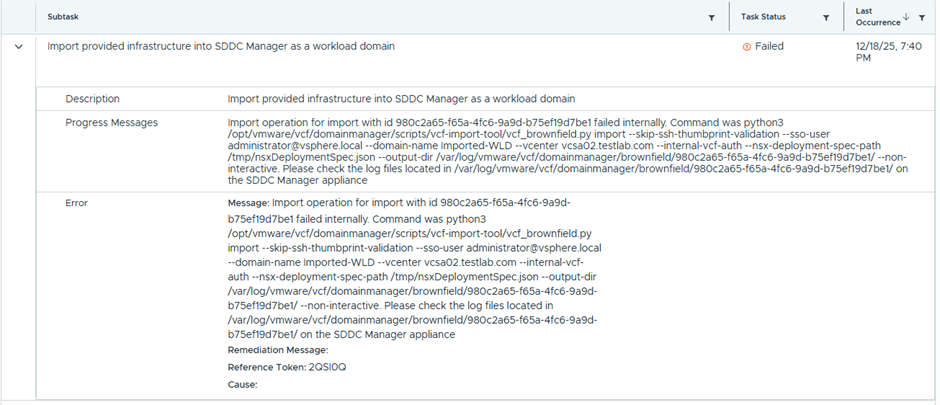
Checking the log file

It was an incorrect DNS config from my end, however the validation in the wizard passed without highlighting it , after fixing the DNS , the import started to progress

This time got a new error
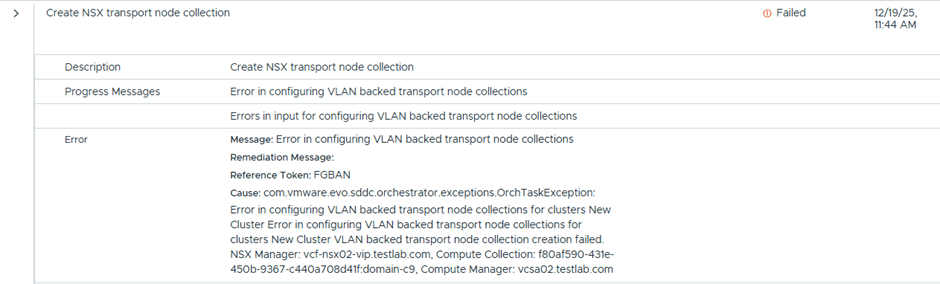
The reason was that an LCM image pushed from and was stuck in this task

That’s because the imported ESX hosts didn’t have DNS configured, but after sorting this, the import was successful, this screenshot is from SDDC Manager

 The SDN Blog