In the previous blog, we saw a couple of errors related to the requirement to install NSX 4.2.3 as well as that vCenter version <8 is not compatible with single Node NSX also upon checking the interoperability matrix , vCenter 8.0.3 is not supported with NSX 9.0.1 for greenfield deployments ( Link is in reference), so in this blog we’ll remediate this by upgrading the vCenter to be imported to version 9
I downloaded vCenter 9.0.0 iso, and ran the UI of the installer, which is divided into two steps, deploying the appliance then migrating the data to the new appliance
Select Upgrade
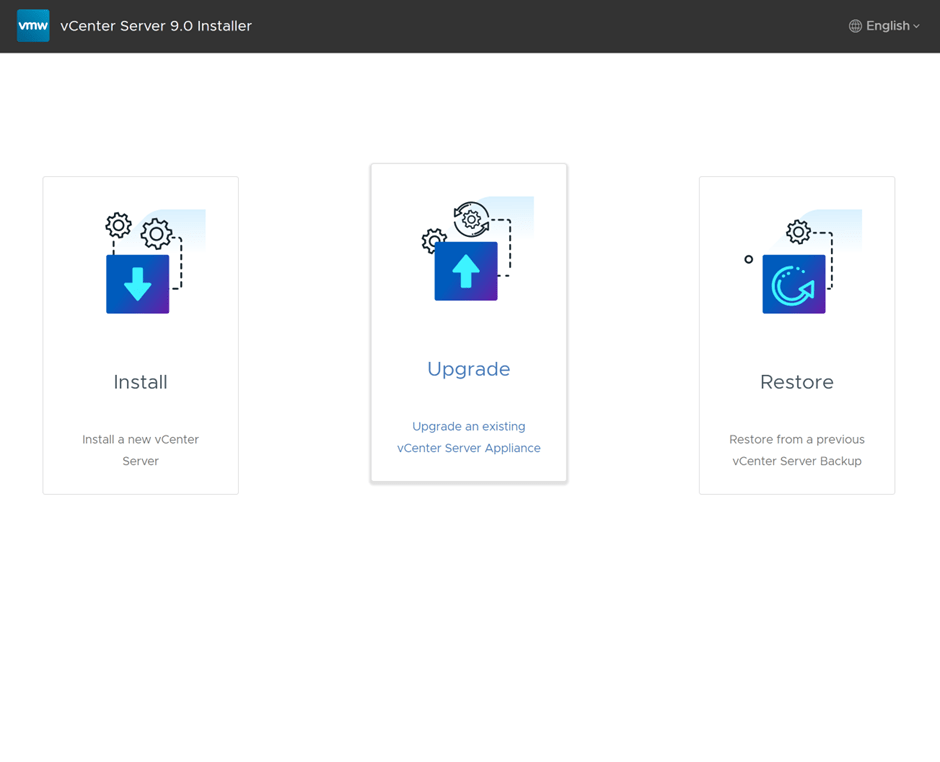
First step is to deploy a brand new appliance

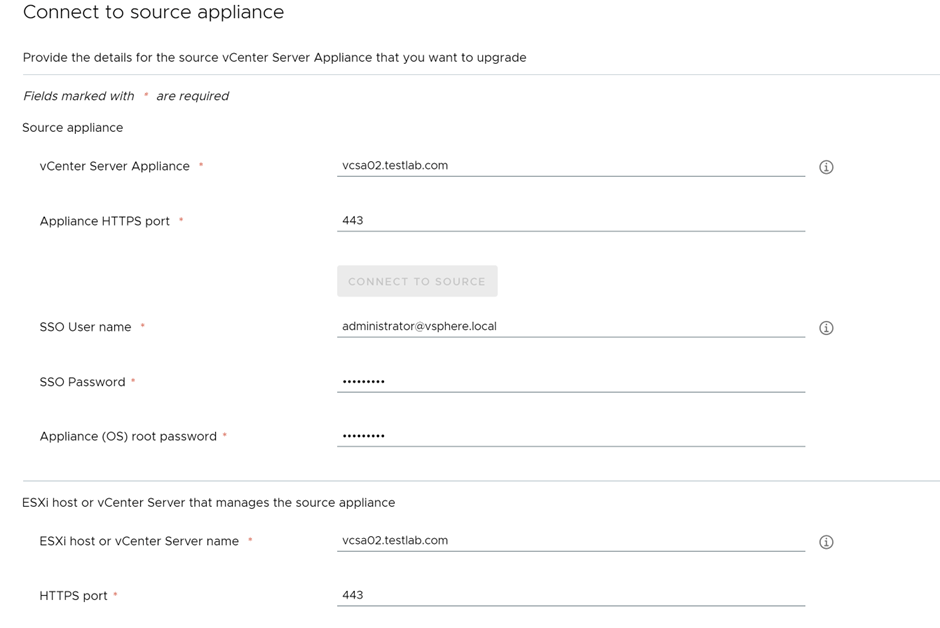
Specify the source vCenter details
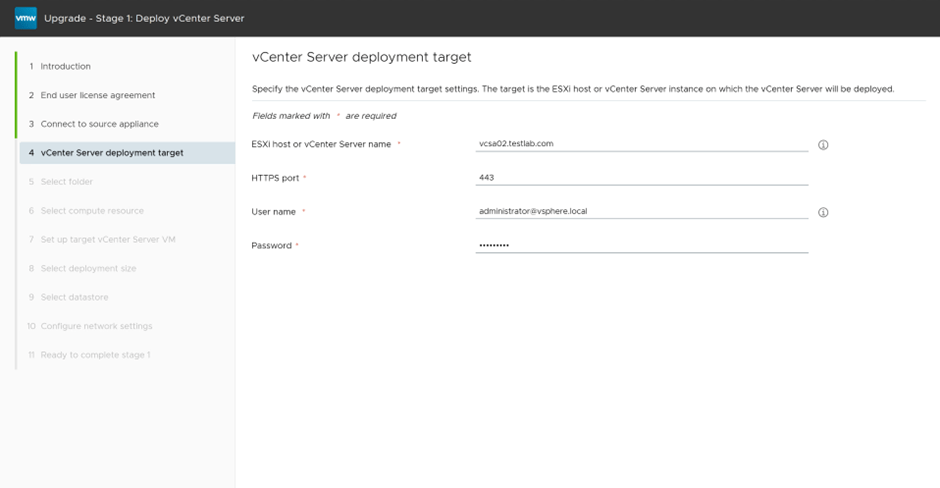
specify the destination were vCenter will be deployed
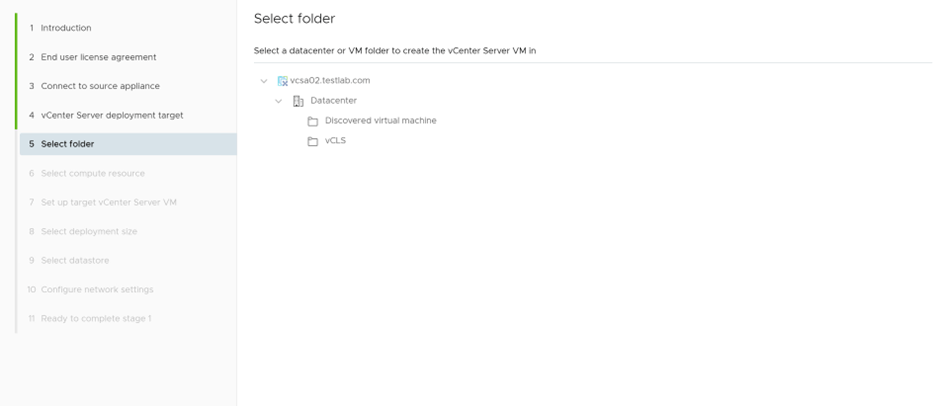
Select the folder and compute cluster

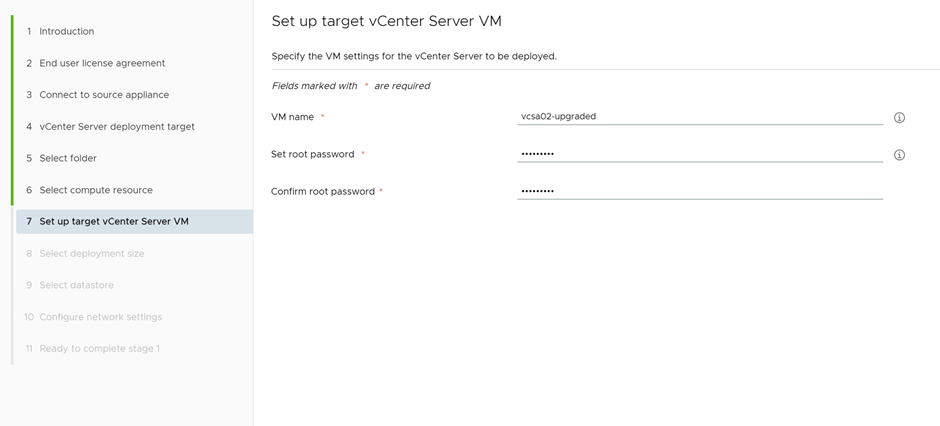
Provide the details of the vCenter to be deployed
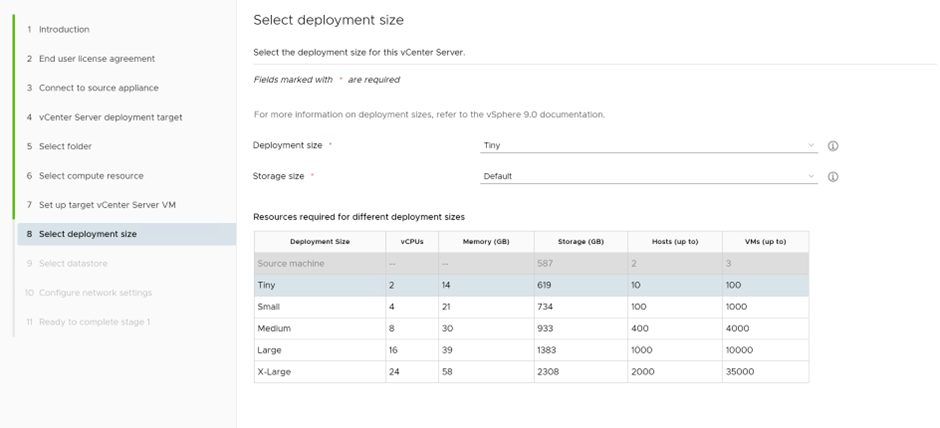
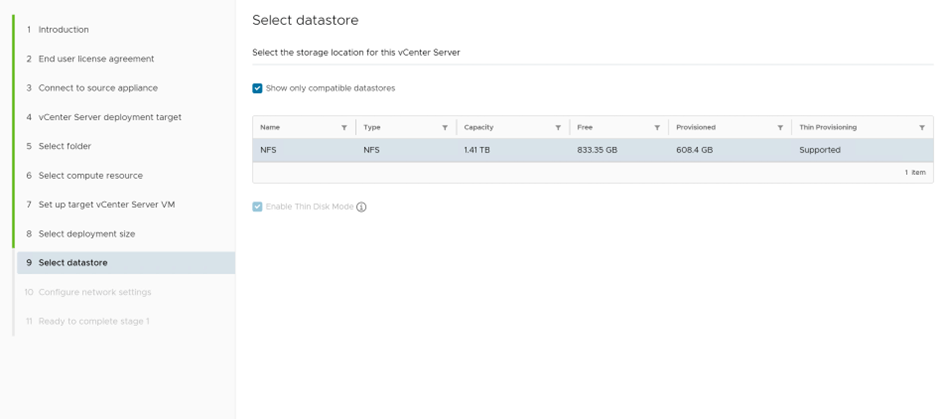
Select the datastore
Missed the screenshot of the network settings, but a temporary IP is requried for the upgrade
First stage, vCenter appliance is deployed
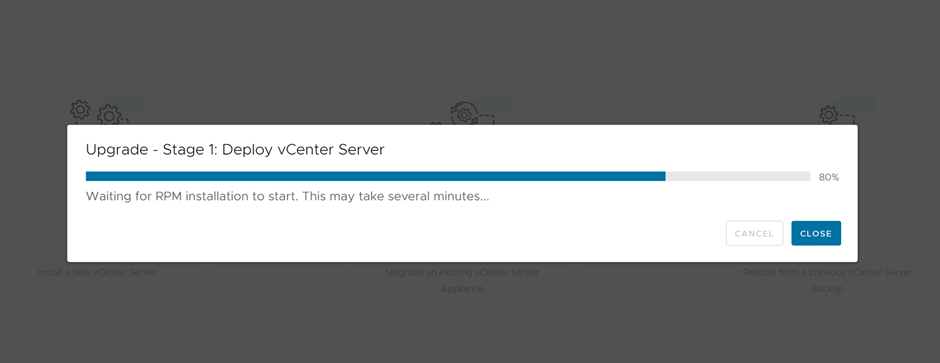
Now proceeding with stage two, which is copying the data from source vCenter to deployed vCenter
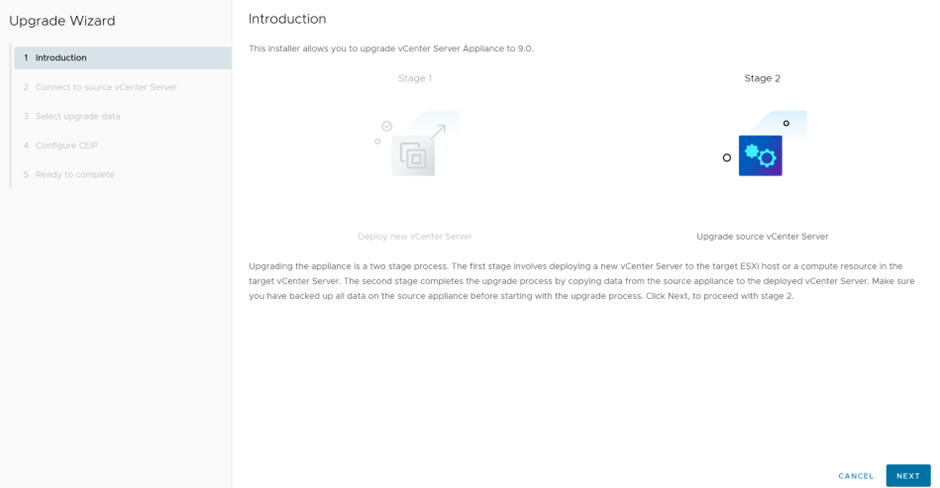
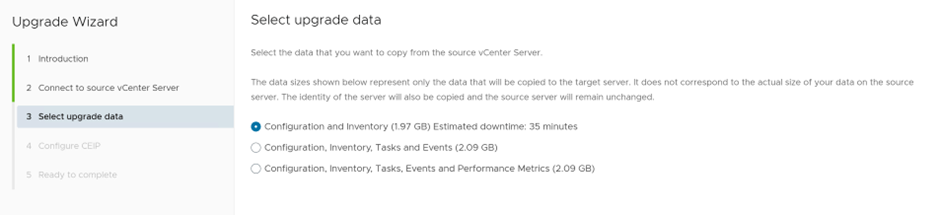
Since this is a lab environment, we’ll select upgrade configuration and inventory only
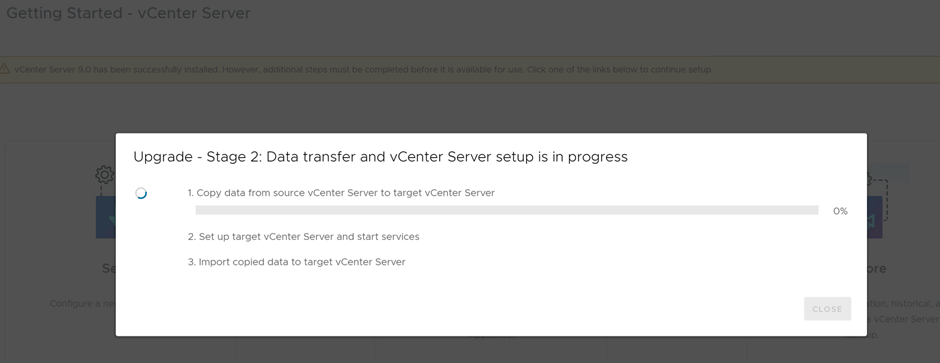
Upgrading Stage 2, in progress

Finally vCenter is upgrade to 9.0.0.0
Now, we’ll proceed in part 3 of this series, with importing the vSphere environment, after vCenter upgrade
References
https://interopmatrix.broadcom.com/Interoperability?col=912,19574&row=2,
 The SDN Blog