Following the previous blog where we uploaded all the bundles of to upgrade the VCF Management Workload Domain offline, I started running the prechecks for the upgrade and the below was the result:

Since this is a test and nested environment, I silenced the precheck alarm

For the vSAN HCL DB

I followed this KB https://knowledge.broadcom.com/external/article/315556/updating-the-vsan-hcl-database-manually.html to update the HCL DB Manually
And for the vCenter Backups,

I initiated a backup job from the vCenter VAMI and it was successful,
Now rerunning all the failed tasks,
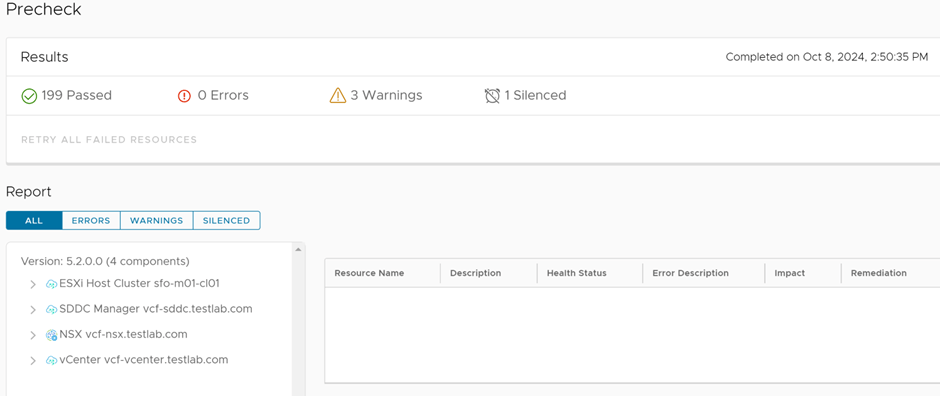
Prechecks passed successfully, the next step is to apply the bundles


I’ll start updating now and the below order, is the order for the upgrade:
SDDC Manager
NSX
vCenter
ESXi
The upgrade is now in progress and started with SDDC
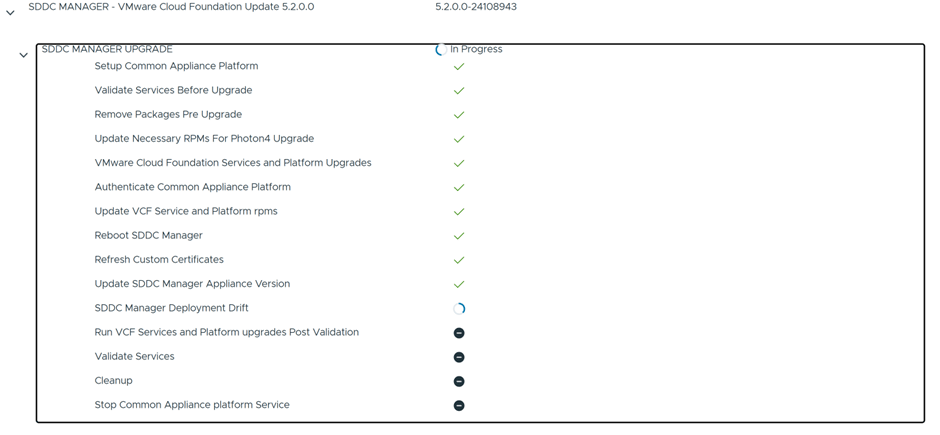
The upgrade of the SDDC Manager has now completed successfully

Next Step is to upgrade NSX Manager
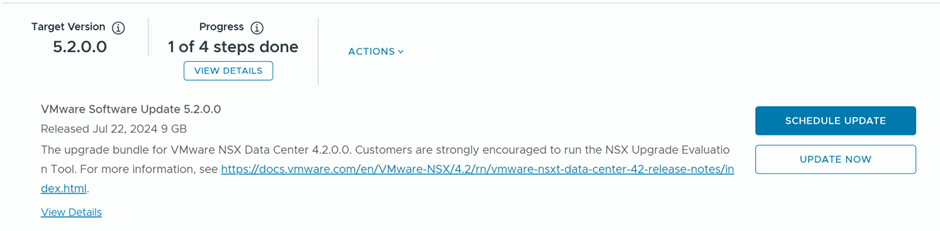
Since I don’t have Edge Clusters deployed the NSX Manager upgrade should be smooth

NSX Manager upgrade is now in progress

NSX Manager is completed successfully.

The next step is to upgrade vCenter


vCenter Upgrade is now successful

Final Step is to upgrade ESXi hosts,
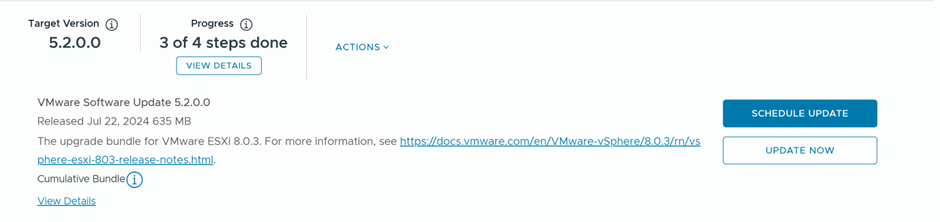
In the wizard below, there are couple of options to customize the upgrade options, I’ll use the default ones

Last Step went smooth, which was upgrading the ESXi hosts:

 The SDN Blog