The NSX Advanced Load Balancer supports improved and more flexible methods for upgrading the system. The Controller supports all the upgrade workflows through the UI
First Step , is to download the target version, currently I have NSX ALB version 21.1.5 and I I’m upgrading to 22.1.3
Figure 1 Target Version

Then, login to existing NSX ALB Controller and upload the .pkg file, Go to Administration –>Controller
–>Software then upload the .pkg file from Computer
Figure 2 Uploading .pkg file

Upload will take some time to complete,
Figure 3 Upload In Progress

Figure 4 Upload Completes
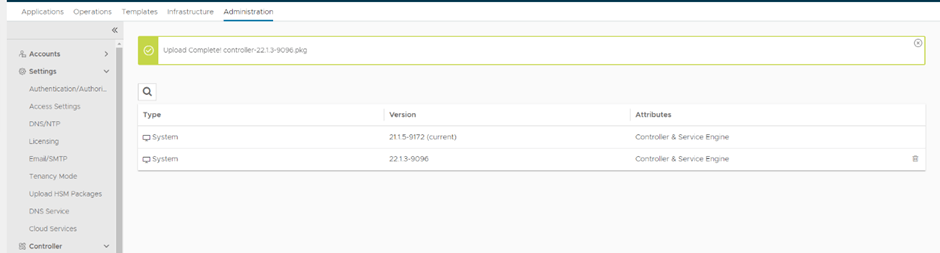
Now go to Administration–>System Update–>Upgrade
Figure 5 Upgrade Process

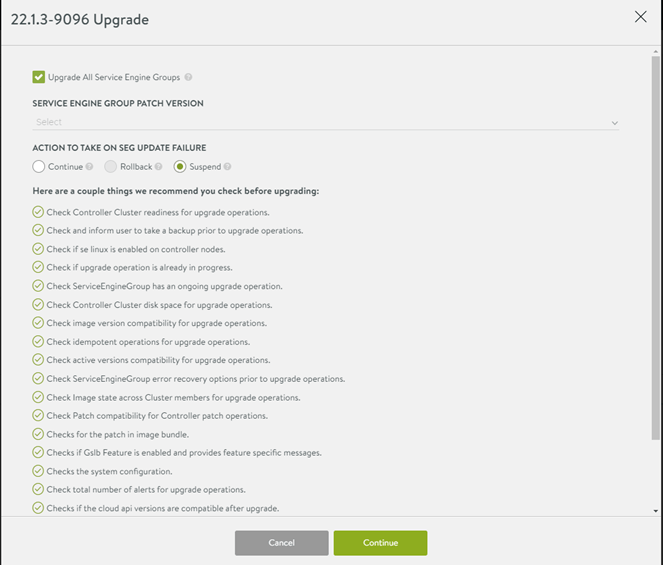
The next window shows pre-upgrade checks as well as Service Engine option to upgrade or stay at the current version, in my lab I’m upgrading all,
Figure 6 Upgrade Prechecks
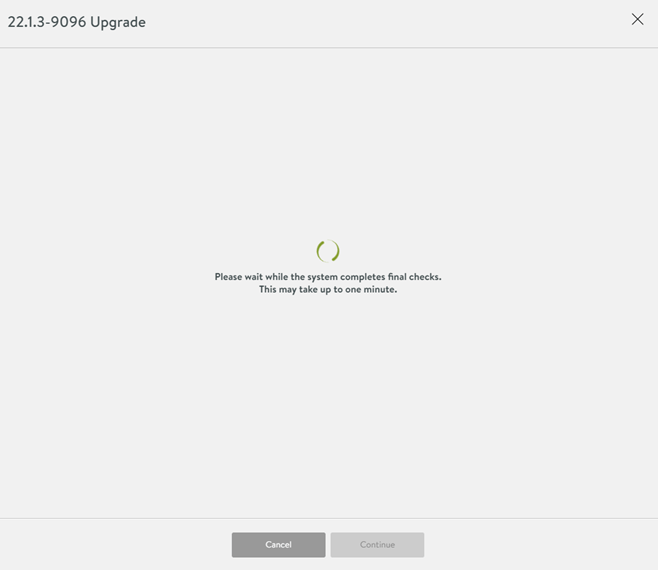
The Controller will take some time to do the final checks
Figure 7 Upgrade final checks
The Controller will not be accessible during the upgrade process
Figure 8 Controller temporary unavailable

Finally after 5-10 minutes the Controller was up and the Service Engine Groups are upgraded successfully
Figure 9 NSX ALB upgraded

References:
 The SDN Blog